A couple’s chat ends up full of shopping lists, memes and errands. A couples app is the opposite: a small space for just the two of you, for the things that get lost day to day. What you’d like to do, what would make the other person happy, or that movie you keep putting off.
The main types of couples apps
Most of them fit into one of these groups:
- Shared calendars and lists. A common calendar, chores, expenses. Useful, but more about running the house than looking after the relationship.
- Questions and games. Quizzes to get to know each other or daily challenges. Fun for a while, though many run dry quickly.
- Gesture apps. They keep track of what you do for each other and help you ask, say thanks and plan. That’s where LoveLives fits.
LoveLives: everyday gestures on a scoreboard of hearts
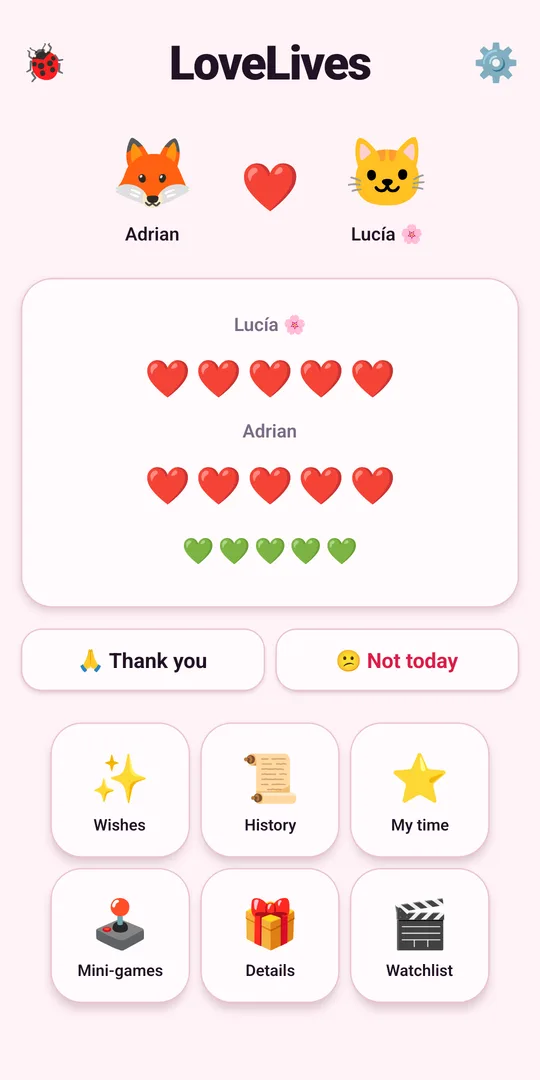
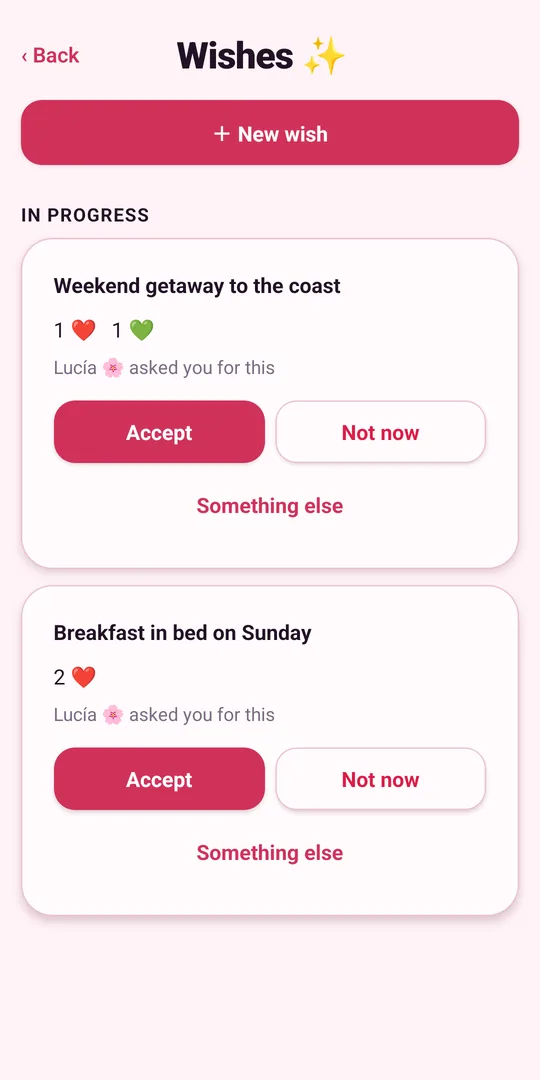
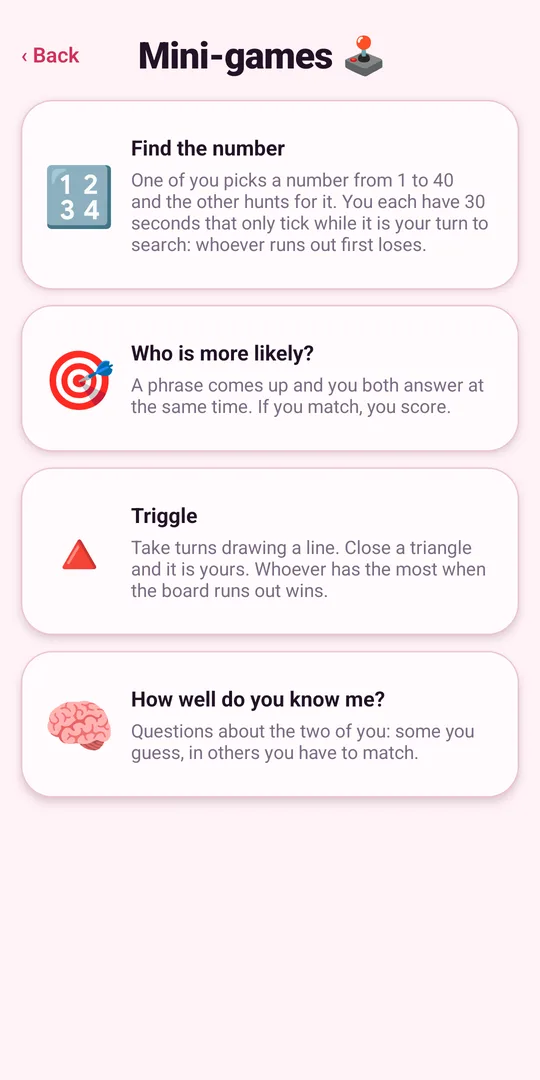
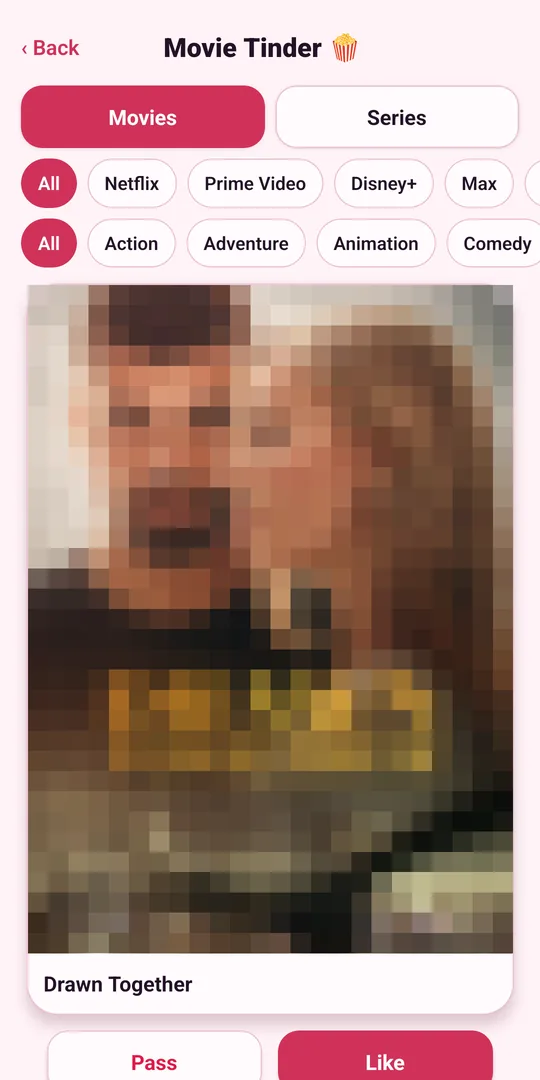
LoveLives is a free Android app. Each of you installs it on your own phone, you pair up with a code or a QR code, and you land in a shared space. Here’s what’s inside:
- Heart scoreboard. It goes up and down with what you do for each other. Say thanks with one tap, or let them know it’s a “not today”.
- Wishes. One of you asks for something and the other accepts it, leaves it for another day or suggests something better.
- My time. Green hearts are earned by granting your partner’s wishes and spent on your own plans: a gaming afternoon or dinner with friends. No asking for permission, just a heads-up.
- Minigames for two. Find the number, Who is more likely?, Triggle and How well do you know me?, played at the same time, each on your own phone.
- Gift ideas. What you’d love to get and what your partner would love. No more guessing what to give.
- Filmography and movie Tinder. Your watchlist of movies and shows, plus a Tinder filtered by platform and genre to pick what to watch without arguing.
Privacy: no email, no real name
A couples app holds personal things, so it’s worth checking what it asks for. LoveLives creates an anonymous account with a random ID on your phone: no email, no phone number, no password. Only the two of you can read what you write, and it never asks for your location or contacts. The details are in its privacy policy.
How to get started
- Install LoveLives from Google Play on both phones.
- One of you shows a code or QR code and the other types or scans it.
- Write your first wish and start collecting hearts.
More screenshots and features on the LoveLives page.
Frequently asked questions
- What is a couples app for?
- A shared space for just the two of you: plans, wishes, gift ideas, a watchlist or quick games, kept apart from your usual chats and group threads.
- Are there free couples apps?
- Yes. LoveLives is free on Google Play for Android and doesn't ask for an email or your real name.
- Do we both need to install the app?
- With LoveLives, yes: each of you installs it on your own phone and you pair up with a code or a QR code.
- Does LoveLives work for long-distance couples?
- Yes. Everything syncs between both phones, and the minigames are played at the same time, each on your own phone, wherever you are.